
Bulk export all website data in Crazy Egg, in a format optimized for AI tools
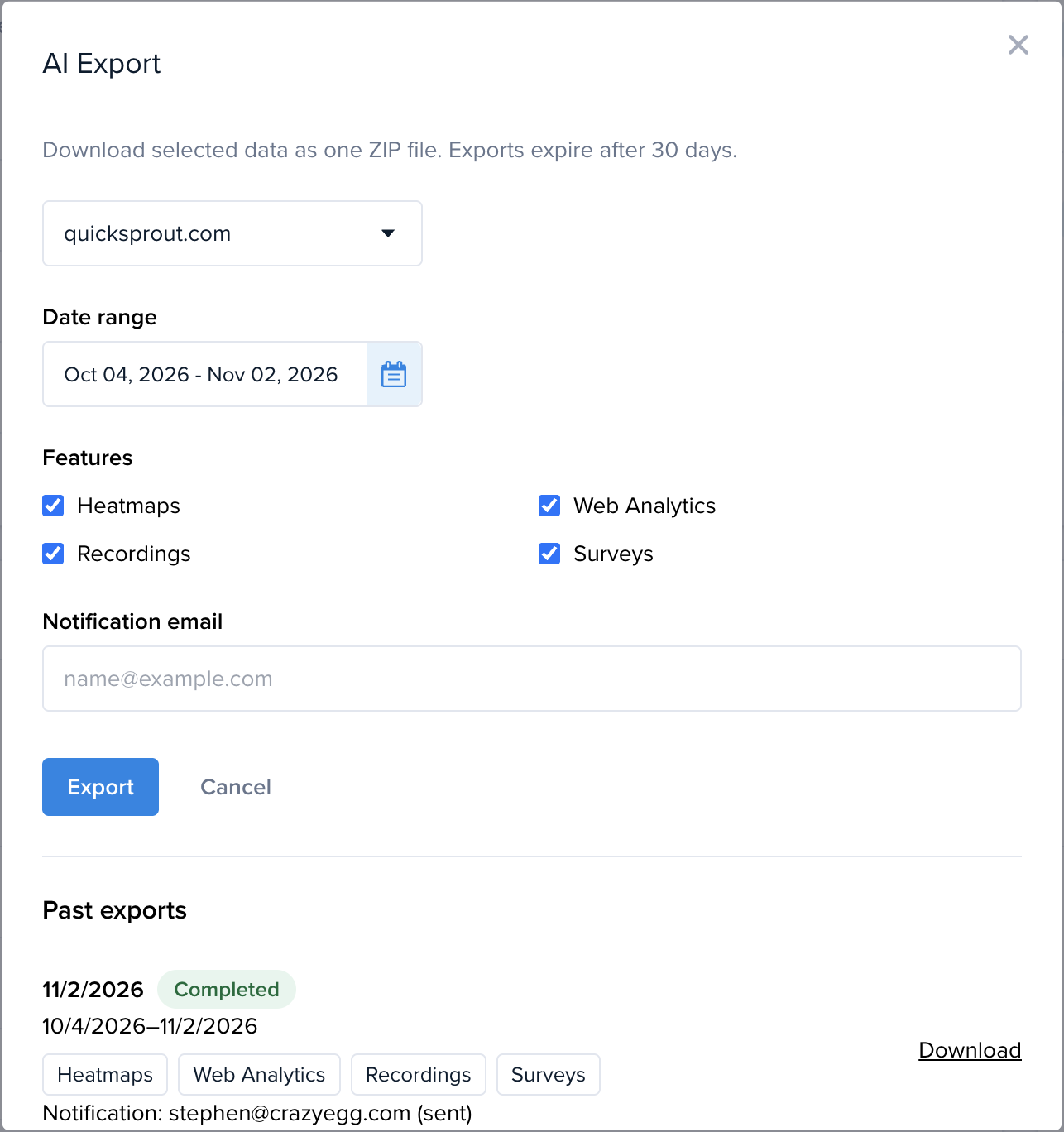

Crazy Egg’s ✨AI Export feature provides your website data in a format optimized for AI tools to analyze. These exports mean you can ask any question, segment data, produce charts or slide decks, and design A/B Testing roadmaps — just by prompting, without burning through your tokens. And they work with all major LLMs: Claude, ChatGPT, Gemini, Copilot, and more.
If you have access to the ✨AI Export feature in your account, you can now bulk download all your AI-optimized data in Crazy Egg at once. This includes data from:
- Heatmaps (with Conversions)
- Recordings
- Web Analytics
- Surveys
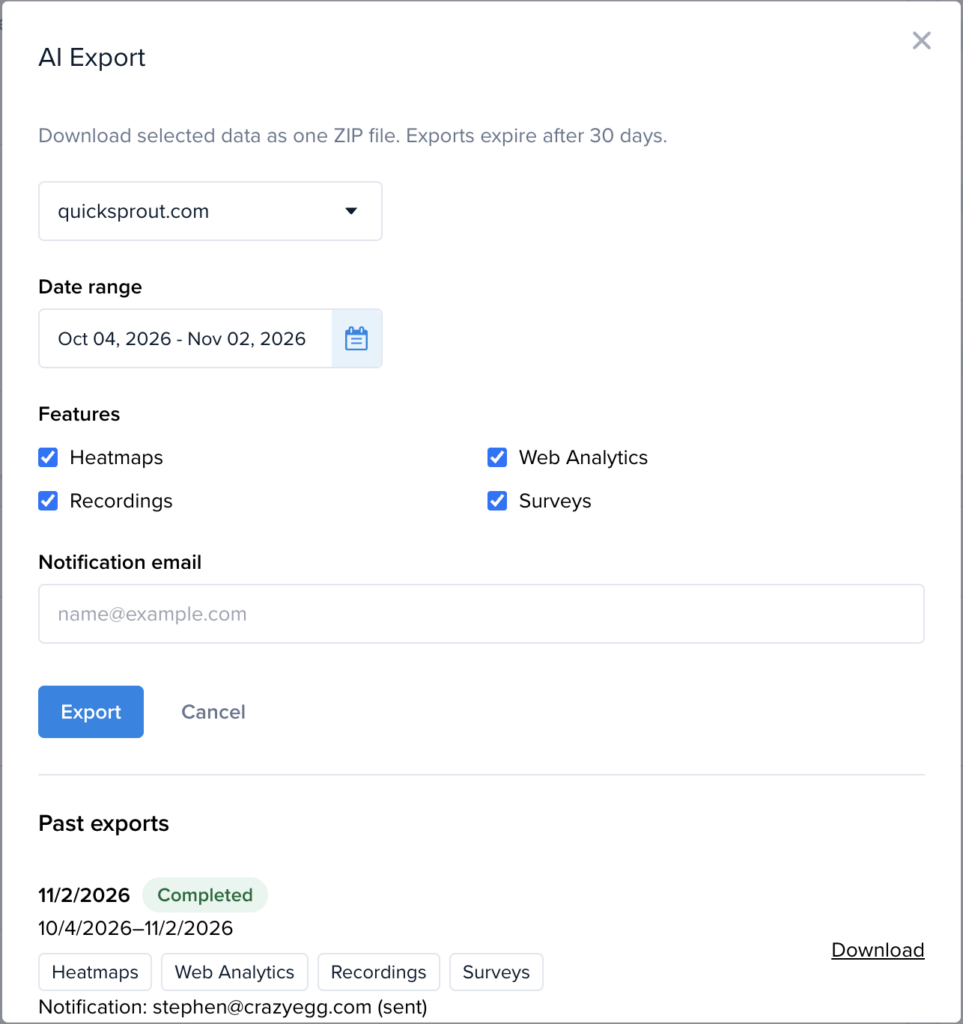
This doesn’t just make it faster to analyze all your Heatmap data at once. It also means your AI tool can now perform user journey analysis — based on the pages visited and conversion data in your bulk Recordings export. It can then compare this against your Heatmaps to find exactly where users drop off on each page.
You can find the ✨AI Export button on the left sidebar menu in Crazy Egg.
AI Exports are available on all Pro and Enterprise plans, as well as for users who’ve purchased the AI Export Add-on. To get access, contact us at [email protected].


 English
 Dutch
 French
 German
 Italian
 Japanese
 Korean
 Portuguese
 Russian
 Spanish