
Google Search Operators: Full List & Examples
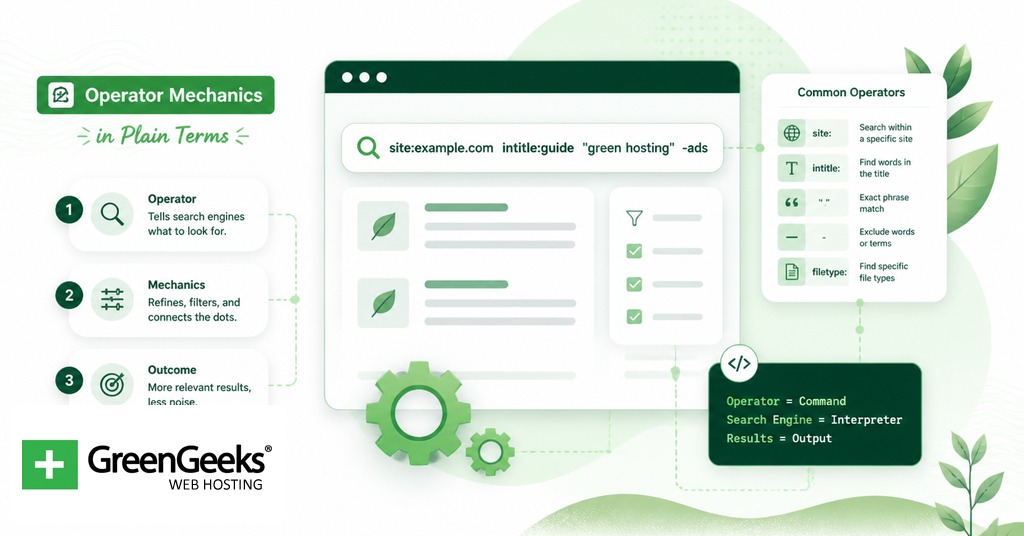

Google search operators are short commands you add to a query to filter results by site, file type, title text, date, or other attributes. The three most useful for everyday work are site:, filetype:, and quoted exact-match phrases like “annual report 2024”. Together they cover most of the cases where a regular keyword search returns too much extraneous material.

This article documents the full working set of operators in 2026, plus the ones Google has deprecated since 2010. Roughly 25 operators are still functional. At least 12 have been retired or quietly broken, with cache: removed in early 2024 and related: removed in mid-2023. The reference table comes first, followed by per-category deep dives, real combination queries, and a list of operators that no longer work so you can stop wasting keystrokes on them.
Operator Mechanics in Plain Terms
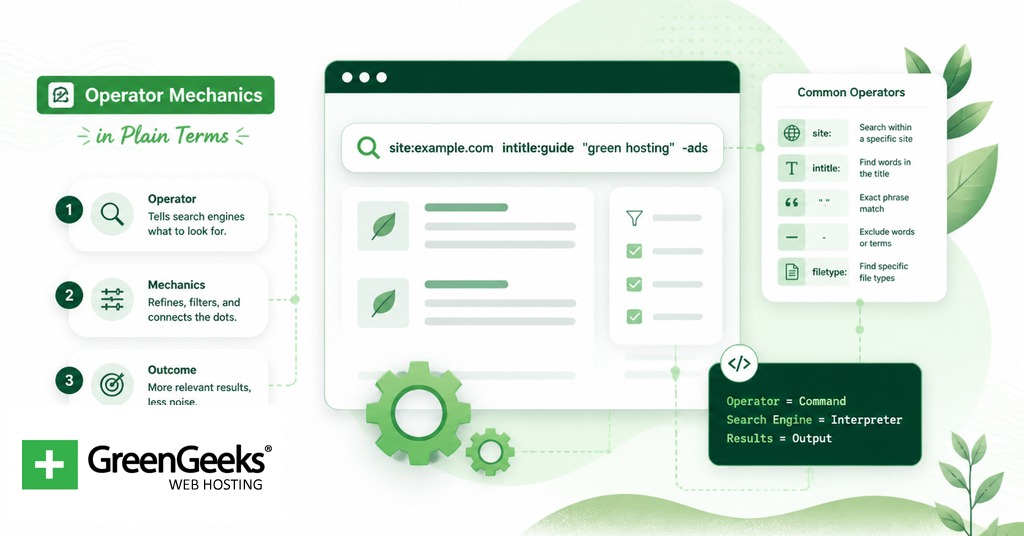
An operator is a token Google parses before its normal keyword matching runs. When you type site:nytimes.com climate, Google reads site:nytimes.com as an instruction (restrict to one domain) and climate as the search term. The two parts are separated by a space, but the colon and its value must touch. Writing site: nytimes.com breaks the parse and Google falls back to a normal keyword search.
Most operator names are case-insensitive. SITE: and site: behave identically. Two exceptions matter. OR and AROUND(N) only work in capital letters; lowercase versions are ignored. The parenthetical number in AROUND(N) must be a positive integer with no spaces inside the parentheses.
Operators stack. You can chain six or seven in a single query and Google applies them as logical AND filters by default. Mobile Google Search and desktop Google Search accept identical syntax, though the result page layouts differ and certain SERP features (knowledge panels, AI Overviews) appear or hide based on device. The udm=14 URL parameter forces a classic web-results view that strips AI Overviews, which is helpful when you want to read raw operator output without summaries on top.
The Master Operator Table

The table below covers every operator described in the rest of this article. The status column flags each one as working in 2026 or retired.
Operator
Purpose
Example
Notes
site:
Restrict to one domain or subdomain
site:nasa.gov mars
Working. Most reliable operator.
intitle:
Term must appear in page title
intitle:checklist seo
Working. Single term only.
allintitle:
All following terms must appear in title
allintitle:remote work productivity
Working. Does not stack well.
inurl:
Term must appear in URL
inurl:wp-admin
Working. Single term only.
allinurl:
All terms must appear in URL
allinurl:blog 2024
Working. Does not stack well.
intext:
Term must appear in body text
intext:”data residency”
Working. Excludes title and URL.
allintext:
All terms must appear in body text
allintext:climate policy 2024
Working. Strict.
filetype:
Filter by file extension
filetype:pdf “annual report”
Working. Many extensions supported.
ext:
Alias for filetype:
ext:xlsx revenue forecast
Working. Identical behaviour.
before:
Pages indexed before a date
before:2024-01-01 ai regulation
Working. Replaces daterange:.
after:
Pages indexed after a date
after:2024-06-01 carbon tax
Working. Combine with before:.
..
Numeric range
laptop $500..$800
Working. No spaces around dots.
OR or |
Match either term
“laptop” OR “notebook”
Working. OR must be uppercase.
“…”
Exact phrase match
“data center efficiency”
Working. Strict on punctuation in some cases.
–
Exclude term, domain, or filetype
jaguar -car -site:reddit.com
Working. No space after the minus.
*
Single-word wildcard
“best * for small business”
Working. Best inside quotes.
AROUND(N)
Two terms within N words
“renewable” AROUND(5) “subsidy”
Working. AROUND must be uppercase.
in
Unit or currency conversion
12 feet in centimeters
Working. Lowercase.
stocks:
Stock ticker data
stocks:GOOGL
Working.
weather:
Forecast for a place
weather:boston
Working.
map:
Map view of a place
map:lisbon
Working.
movie:
Movie info and showtimes
movie:”the brutalist”
Working.
source:
Filter Google News by publisher
tesla source:reuters
Working in News results.
define:
Dictionary definition
define:rhetoric
Working. Returns a dictionary card.
cache:
View Google’s cached page
cache:example.com
Deprecated 2024. Removed entirely.
related:
Find sites topically similar
related:wikipedia.org
Deprecated 2023.
link:
Pages linking to a URL
link:example.com
Deprecated 2017. Unreliable.
info:
Information about a URL
info:example.com
Deprecated 2017. Returns a basic page lookup.
+
Force exact match on a term
+google
Deprecated 2011.
~
Synonym expansion
~cars
Deprecated 2013. Synonyms now folded in.
daterange:
Search by Julian date range
daterange:2459580-2459700
Deprecated. Use before:/after:.
Site and Content Filtering Operators
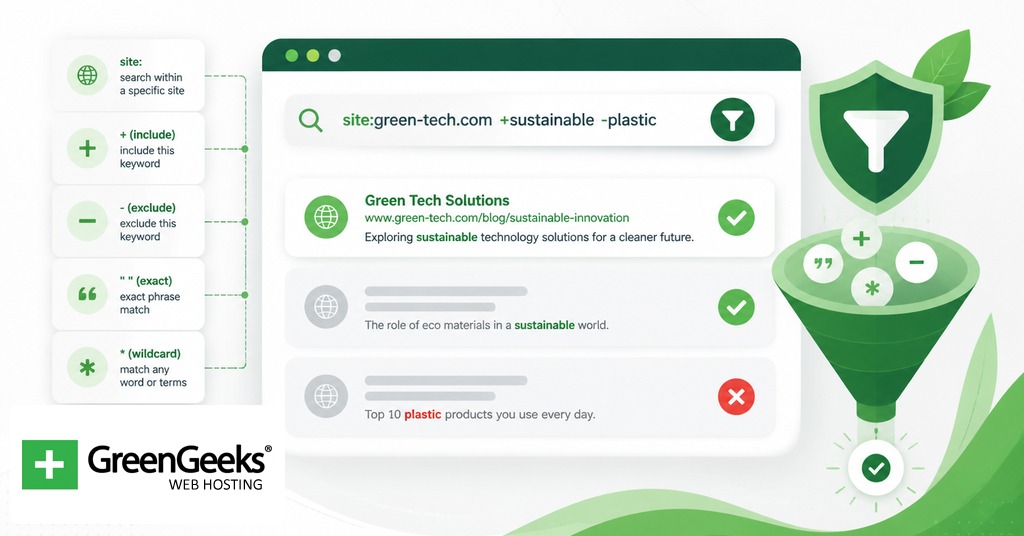
These operators target where on the page Google looks for your terms. They form the backbone of SEO audits and competitor research.
site:
site: is the operator most professionals reach for first. It accepts domains (site:bbc.co.uk), subdomains (site:blog.example.com), and TLD-level patterns (site:.gov). For an SEO audit, running site:yourdomain.com against your own site gives a rough count of indexed pages. The number Google displays is approximate, so treat it as an order-of-magnitude figure rather than an exact crawl count. Pair it with -inurl:https to find any non-HTTPS pages still indexed, or with inurl:?utm to surface tracking-parameter URLs that should not be indexed.
intitle: and allintitle:
intitle: requires the immediately following single token to appear in the page title. The query intitle:checklist marketing returns pages with “checklist” in the title and “marketing” anywhere on the page. Use it to find listicles, guides, or posts that lead with a specific term in the headline.
allintitle: extends the requirement to every term that follows. allintitle:remote work checklist returns only pages whose title contains all three words. The downside is brittle stacking; combining allintitle: with other operators in the same query frequently breaks the parse. If you need a strict title match plus a site: filter, write it as site:domain.com intitle:remote intitle:work intitle:checklist instead.
inurl: and allinurl:
inurl: filters by URL substring. It is a quick way to locate category pages (inurl:/blog/), parameter patterns (inurl:?ref=), and admin paths. Security teams use inurl:wp-admin and similar queries to find unprotected login pages on their own infrastructure during routine audits.
allinurl: requires every following token in the URL string. As with allintitle:, it does not stack well with other operators. Use repeated single-token inurl: calls when you need a strict match alongside other filters.
intext: and allintext:
intext: restricts matching to body text only, excluding the title, URL, and inbound anchor text Google sometimes treats as a content signal. This is the operator to reach for when you want to find pages that genuinely discuss a topic rather than ones that name it in the title for SEO reasons. intext:”hardware sustainability” returns pages where the phrase appears in real prose.
allintext: requires every term in the body. It is most useful as a sanity check on dense topics: if you suspect a page only mentions a concept in passing rather than covering it, allintext: will weed out the shallow results.
File Type and Extension Operators
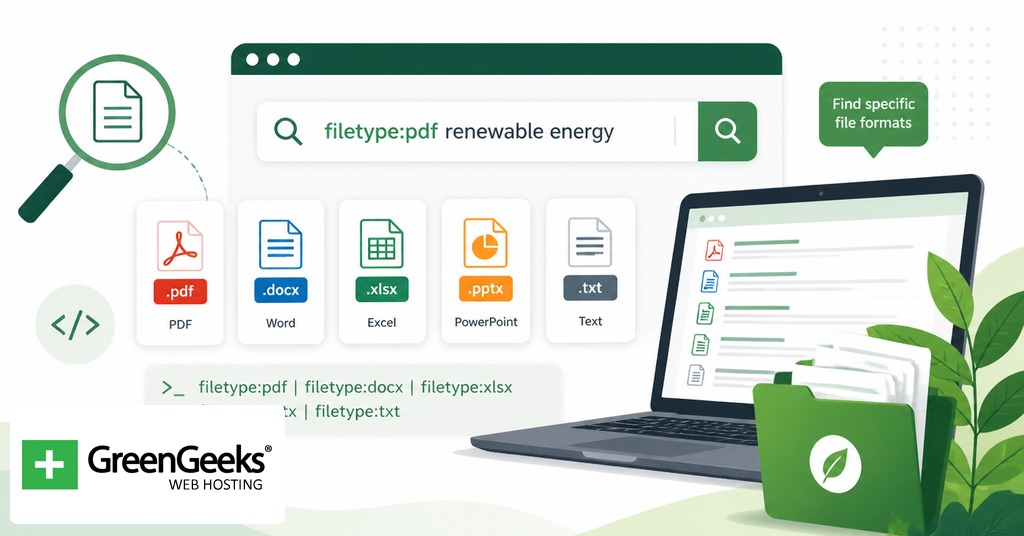
filetype: and its alias ext: filter results by file extension. Google indexes a long list of formats, including pdf, doc, docx, xls, xlsx, ppt, pptx, txt, rtf, ps, kml, kmz, and svg.
The most common use is finding research material. filetype:pdf “ipcc” 2024 returns Intergovernmental Panel on Climate Change reports in PDF form, useful for researchers who want primary sources rather than press summaries. Academic searchers often combine it with a TLD filter: filetype:pdf site:.edu “neural networks” survey surfaces university-hosted survey papers.
The same operator powers a defensive workflow on your own domain. Running site:yourdomain.com filetype:xlsx can surface spreadsheets a team member uploaded to a public folder by accident. Variants with filetype:csv, filetype:env, filetype:log, or filetype:bak find configuration files, environment files, and backups that should never have been indexed. Run these queries against your own properties on a regular cadence and remove or no-index anything that comes back.
ext: behaves identically to filetype:. The two are interchangeable. Pick whichever you remember faster.
Time and Range Operators
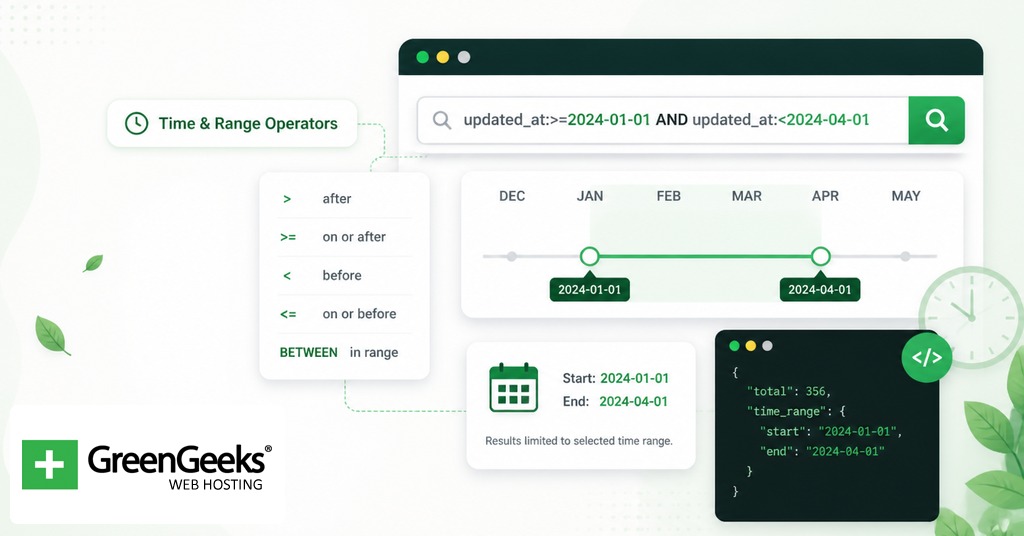
before: and after: filter by date. They accept YYYY-MM-DD or YYYY format. after:2024-01-01 generative ai policy returns pages Google considers published or substantially updated after the start of 2024. Chaining the two narrows a window: after:2024-06-01 before:2024-12-31 carbon tax legislation. Google bases the date on its own indexing signals rather than the page’s stated publication date, so the cutoff is approximate. For freshness-sensitive research, combine after: with a site: filter to confirm the pages are genuinely recent rather than republished archives.
The older daterange: operator, which took Julian date numbers, was discontinued. Treat any guide that still recommends it as out of date.
The double-dot range operator .. finds numeric ranges. laptop $500..$800 returns laptops priced in that band. nikon camera 2018..2022 returns reviews and product pages from that span of years. Do not put spaces around the dots.
Phrase, Wildcard, and Boolean Operators
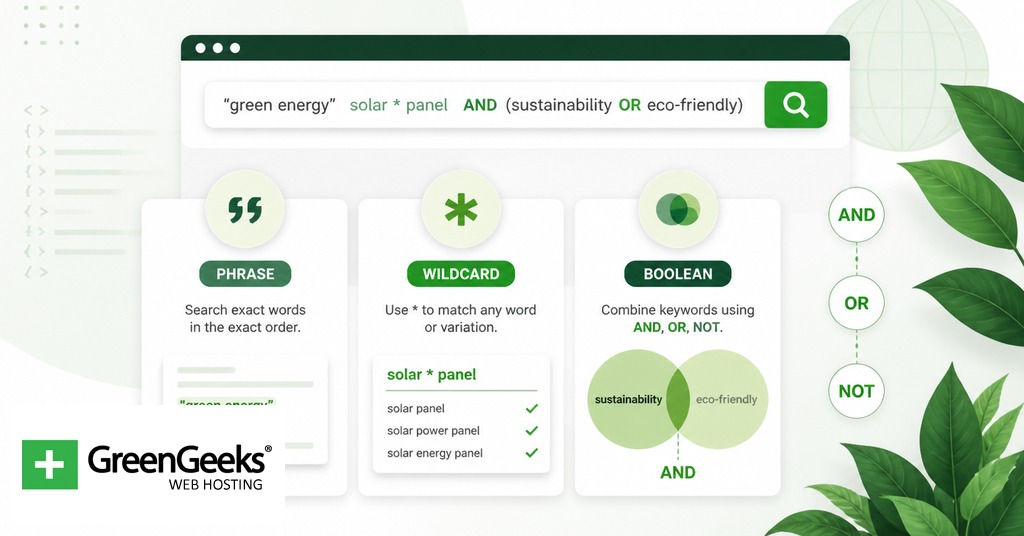
These are the operators most users already know, even if they have never seen them named.
Quoted strings force exact-phrase matching. “data center water use” returns pages with that exact sequence of words rather than any combination. Punctuation matters in some contexts: “COVID-19” and “COVID 19” can return different result sets because the hyphen is treated as punctuation Google parses literally.
The minus sign excludes. -careers removes career pages from results; -site:pinterest.com removes a whole domain. There is no space between the minus and the term. Multiple exclusions stack: -site:reddit.com -site:quora.com -site:pinterest.com strips the three most common SERP-clutter sources from a query.
The asterisk * is a wildcard for a single word. It works best inside quoted phrases. “the future of * in healthcare” returns variations like “the future of AI in healthcare,” “the future of robotics in healthcare,” and so on. Outside quotes the wildcard often does nothing useful.
OR (capitalised) or the pipe | returns results matching either term. Wrap alternatives in parentheses for clarity: site:example.com (intitle:guide OR intitle:tutorial). The parentheses are not strictly required but they make the query readable when you stack three or more operators.
AROUND(N) is the proximity operator. It finds two terms or phrases within N words of each other in the page body. “machine learning” AROUND(5) “healthcare” returns pages where the two phrases sit close together, signalling a topical link rather than two unrelated mentions. The word AROUND must be capitalised, and the integer must be inside the parentheses with no whitespace.
Utility Operators

A handful of operators turn the search box into a small calculator or reference tool.
The in operator handles unit and currency conversion. 12 feet in centimeters returns 365.76 cm. 100 USD in JPY returns the current exchange rate. Date and time conversion works the same way: 2pm GMT in PST.
stocks: returns ticker data. stocks:GOOGL shows Alphabet’s current price, volume, and intraday chart. Note that for some smaller exchanges the ticker may need to be qualified.
weather: returns conditions and a multi-day forecast for a location. weather:boston gives Boston, Massachusetts; weather:boston uk disambiguates to Boston, Lincolnshire.
map: opens a map of a city or region. map:porto returns a Portugal-centred map embed. movie: returns showtimes, ratings, and cast for a film. define: returns a dictionary card with pronunciation and etymology.
source: filters Google News results to a single publication. tesla source:reuters returns Reuters coverage of Tesla and nothing else. The operator only behaves on the news.google.com interface and on the News tab of regular search results.
Deprecated and Unreliable Operators
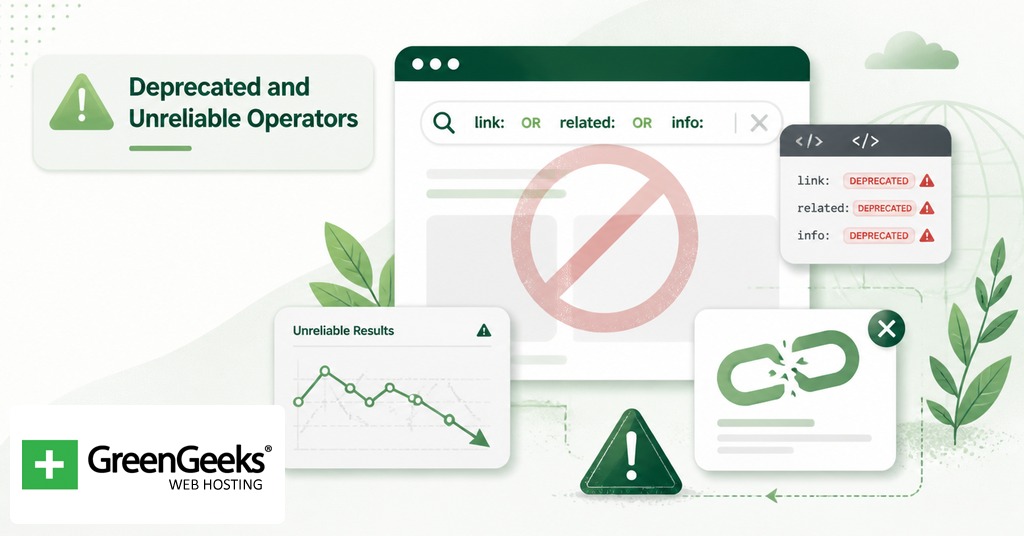
Several operators that older guides recommend no longer work. Skip them.
cache: was removed in early 2024. Google SearchLiaison announced the change on X in March of that year, and the cached link beneath search results disappeared at the same time. To view a snapshot of a page, fall back to the Wayback Machine at archive.org.
related: was removed in July 2023. It used to surface sites Google considered topically similar to a target domain, which made it useful for competitive research. There is no direct replacement. SEO tools that maintain their own link graphs offer the closest analogue.
link: was deprecated in 2017. It still occasionally returns a sparse list of pages but Google has warned that the results are unreliable and not maintained. Use a backlink-analysis tool for link research.
info: was redirected in 2017 to a basic page lookup. The side panel of useful links (cached version, similar pages, links to the page) was stripped at the same time. The operator now functions as a slow alias for typing the URL into the search bar directly.
The plus operator +, which forced an exact-match on single terms, was deprecated in 2011 around the launch of Google+. Quoted strings replace it. The tilde ~, which surfaced synonyms, was retired in 2013; Google folds synonyms into normal queries by default now.
The daterange: operator, which took Julian date numbers, no longer returns reliable results. Replace it with before: and after:.
One last note. In September 2025 Google silently disabled the num= URL parameter, which previously let power users request 100 results per page. Passing num=100 now returns the default 10. The change broke a popular workflow for SEO audits and is worth flagging for anyone whose old scripts assumed the parameter still worked.
Operator Combinations for Real Tasks
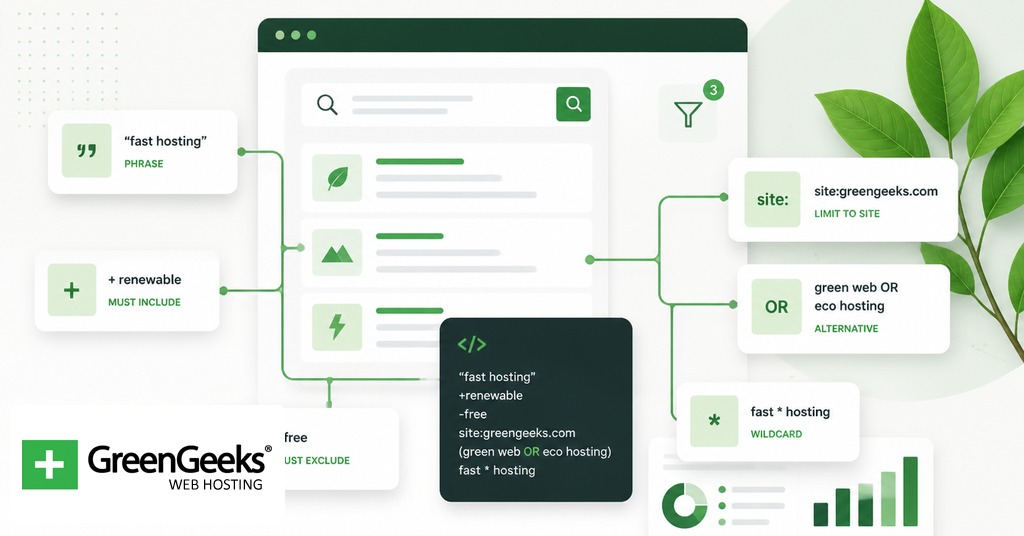
Operators show their value when stacked. The five queries below cover common research and audit jobs.
The query site:yourdomain.com filetype:pdf intitle:”annual report” -inurl:archive returns annual report PDFs hosted on your own domain, with archive folders excluded. It is the first query to run when you suspect old reports are leaking into search results.
The query site:competitor.com after:2024-01-01 (intitle:guide OR intitle:tutorial) returns guides and tutorials a competitor published after the start of 2024. Use it to map content velocity and topic coverage without having to crawl the site yourself. Replace competitor.com with the domain you want to study.
The query filetype:pdf site:.edu “data residency” OR “data sovereignty” returns university-hosted PDFs on either of two related policy topics. Academic researchers use this pattern to find primary literature without paywalls.
The query site:yourdomain.com (filetype:env OR filetype:log OR filetype:bak) checks your own infrastructure for accidentally indexed configuration and backup files. If the result count is anything other than zero, the next step is removing those files from the public web root and adding the path to robots.txt or returning a 410.
The query “electric vehicle subsidy” AROUND(8) “phase out” after:2024-01-01 returns recent coverage that links the two phrases closely in body text. It is the kind of query a policy analyst runs when the keywords alone produce too much loosely-related material.
Each combination uses three or four operators at once, which is well within Google’s parsing limits. There is no documented hard cap on the number of operators per query, though queries with more than seven or eight start producing thinner result sets.
Common Mistakes and Limits

A few patterns trip up new operator users.
Spaces around colons. site: followed by a space breaks the operator. The colon must touch the value. The same rule applies to intitle:, inurl:, intext:, filetype:, before:, after:, and source:.
Case sensitivity for OR and AROUND. Lowercase or is treated as a normal word, so cats or dogs matches pages containing the word “or”. Lowercase around(5) is ignored. Both must be uppercase.
Operator stacking with the allin* family. allintitle:, allinurl:, and allintext: consume every term that follows them and frequently break when paired with other operators. If you need a strict match plus a site: filter, use repeated single-token intitle: operators instead.
The 100-results-per-page workflow. Until September 2025 you could append &num=100 to a Google results URL and get a single page of 100 results. That parameter no longer works. Plan crawls and audits accordingly; the 10-result page is now the only option.
Date approximations. before: and after: use Google’s indexed-date estimate, which is not the same as the page’s published date. For research that requires exact publication dates, verify against the page itself or use the publisher’s archive.
Mobile rendering. Operators behave the same on mobile, but the SERP layout truncates more aggressively. If a query returns sparse-looking results on a phone, run the same query on desktop before assuming the operator failed.
Operator names you may see in old guides. phonebook:, bphonebook:, and rphonebook: were retired around 2010. blogurl: is gone. define: still works for dictionary lookups but has been simplified. Treat any guide written before 2020 as a starting point that needs verification, not a final reference.
Frequently Asked Questions
How many Google search operators are there in 2026?
Roughly 25 operators work reliably in 2026. At least 12 more have been deprecated since 2010, with cache: removed in early 2024 being the most recent retirement. Counts vary by source because some guides treat aliases like filetype: and ext: as separate entries.
Does the cache: operator still work?
No. Google removed the cache feature and the cache: operator in early 2024 after Google SearchLiaison announced the change on X. To view a snapshot of an older version of a page, use the Wayback Machine at archive.org instead.
How do I find PDFs on a specific website?
Combine site: and filetype:pdf. The query site:nasa.gov filetype:pdf “lunar surface” returns NASA-hosted PDFs that mention the lunar surface. Add a third operator like intitle: or after: to narrow further.
Can I use Google search operators on mobile?
Yes. The syntax is identical on mobile and desktop. The result page layout differs and some SERP features render differently, but every working operator parses the same way regardless of device.
What is the difference between intitle: and allintitle:?
intitle: requires the next single word to appear in the page title; allintitle: requires every word that follows it to appear in the title. allintitle: is stricter but does not combine well with other operators in the same query. For complex stacks, repeat intitle: once per required term.



 English
 Dutch
Dutch French
 German
 Italian
 Japanese
 Korean
 Portuguese
 Russian
 Spanish